
The right frame.
Ready for YouTube.
Resize your image to 1280 × 720 pixels. Choose cropping or padding, preview the result, and download a JPG under 2 MB.
 YOUR IMAGE. YOUR DEVICE.
YouTube Thumbnail Resizer
Processed in your browserYour image is ready.
One less thing
to fiddle with.
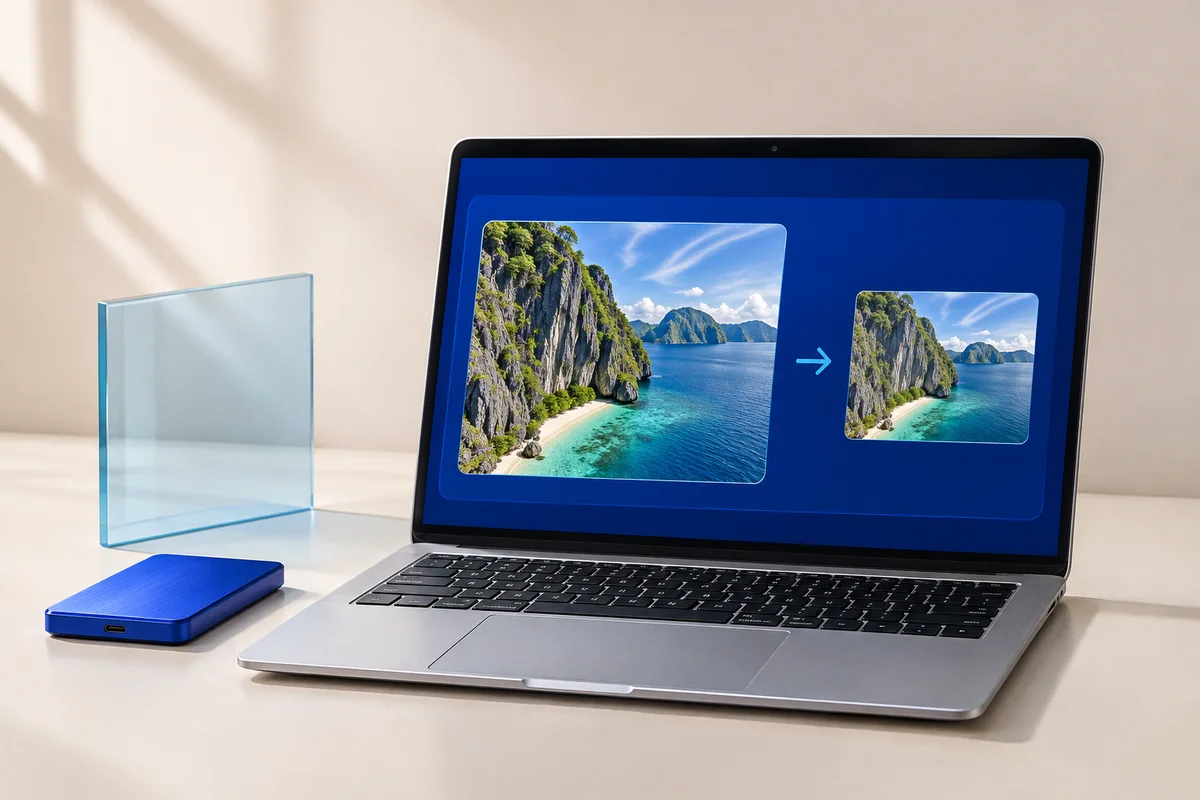
An image can have the right subject and the wrong shape. This tool creates a 16:9 frame at exactly 1280 × 720 pixels. Crop-to-fill trims the edges; fit-with-padding keeps the full picture and fills the remaining space with your chosen color.
- Choose a JPG, PNG or WebP image.
- Pick crop-to-fill or fit-with-padding. Adjust the crop position using the sliders.
- Create your thumbnail, inspect the preview and download the JPG.
Small questions.
Clear answers.
Will cropping cut off my text?
It can. Use the horizontal and vertical position controls to move the crop, or select fit-with-padding to retain the entire image. Check the preview before saving.
Is the file under 2 MB?
Successful downloads are no larger than 2,000,000 bytes. The tool adjusts JPG quality while keeping 1280 × 720 pixels. If it cannot meet that limit, it shows an error.
Will this make a blurry image sharp?
No. Resizing a small image may enlarge it, but cannot recover missing detail. Start with a clear source image.
Does this publish anything to YouTube?
No. You download a JPG and upload it to your channel yourself.
Are my files or text uploaded?
No. The tool processes your input in this browser and does not send it to our server or save it in persistent browser storage. The website host still receives normal page requests. See our privacy notice for details.